
How to Search Cases by Name
Circuit Court handles the broad criminal and civil matters. Chancery covers family, land, estate, guardianship, and youth jurisdiction. Justice Court takes the lower-court cases. A name search begins with a sound guess about which Sharkey County court holds the file. PAMEC reveals its search fields only after login through an approved account, so the exact controls cannot be promised in advance. If a party-name control appears, use it, and check every result against the court, county, approximate filing year, case number, caption, and status.
- Start at the correct court layer and distinguish Circuit, Chancery, Justice, Municipal, and federal records before entering a name.
- Register for the public route when remote PAMEC access is appropriate, then use the authenticated search controls actually presented to the account.
- Enter the name only as the current interface permits, and narrow with court or approximate year when those options are available rather than opening broad result sets.
- Review the case header and docket context before treating a result as a match. Similar names are not identity proof.
- Call the proper Sharkey County clerk if the name is common, the result is unclear, or the likely court is not included in the remote search.
Sharkey County's public pages draw a clear line. What anyone can see without a case-search login stops where confirmation begins once access is granted.
| Layer | Verified public information | Case-search limit |
|---|---|---|
| Ninth Circuit landing and CourtInfo | Court district, CourtInfo, and filing-system orientation links. | No anonymous Sharkey County case-search fields were displayed. |
| Ninth Circuit login | Authentication Login, Password, client code, and account-recovery controls. | These are access controls, not public case-search fields. |
| PAMEC registration | Attorney, Non-Attorney, and Firm Administrator account types. | Registration does not show the authenticated query fields. |
| Clerk request | Case number, party name, approximate year, document, or hearing date can frame a request. | Exact local indexing fields were not published. |
Sharkey County Case Lookup Gate
PAMEC stands for Public Access to Mississippi Electronic Courts. That is the subscriber side of MEC. MEC is the filing and docket infrastructure behind Mississippi's courts. The two systems work together. Yet neither one hands an anonymous visitor a free search box. Anyone who wants to view Sharkey County court docket entries through this route must first register. The PAMEC registration page lists the public account types. It also walks a new user through account maintenance. A non-attorney should pick Non-Attorney, then read the terms carefully before accepting them.
The official registration page lays out the public account gateway and its choices.
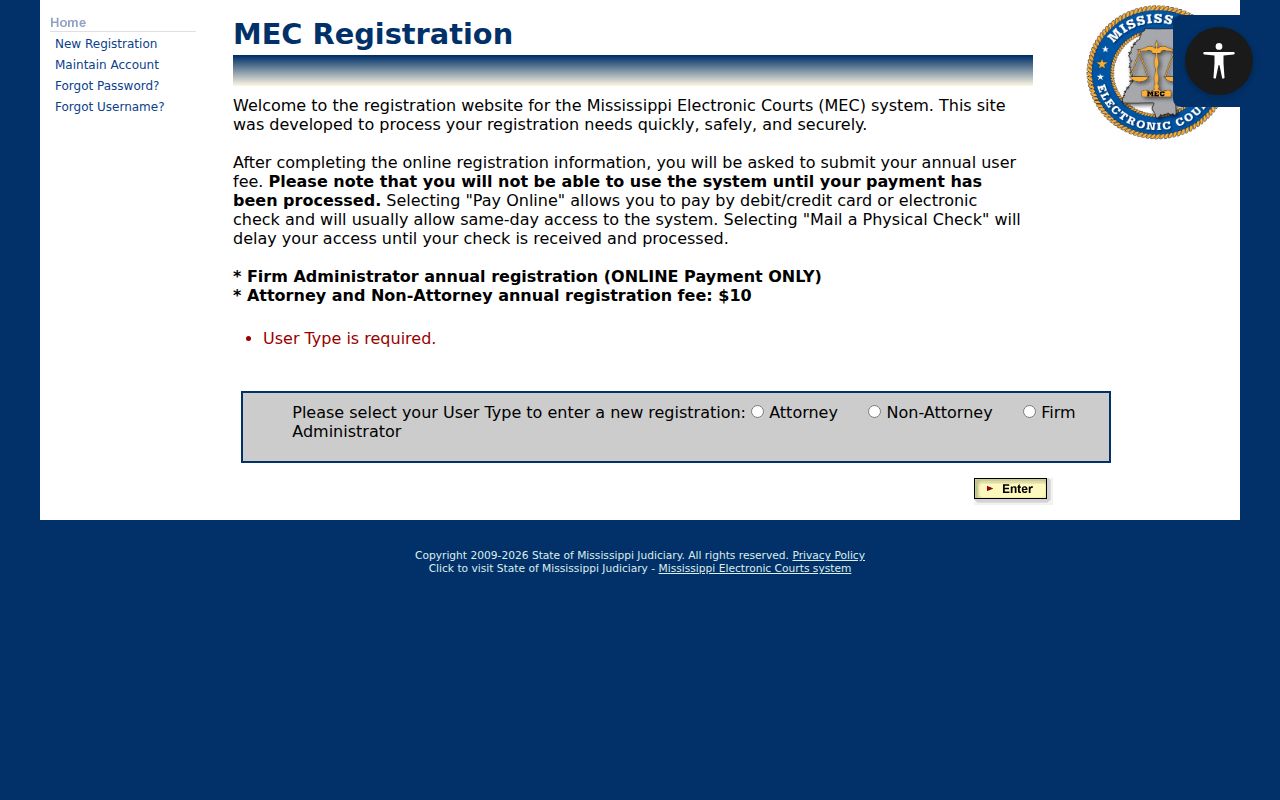
That registration screen is only the access step. It displays no live docket result, and it cannot promise which name, date, or case-number search fields the system currently offers. An ordinary member of the public should not borrow an attorney filing account to view records. Nor should anyone attempt to open a restricted document.
Sharkey County Case Lookup Costs
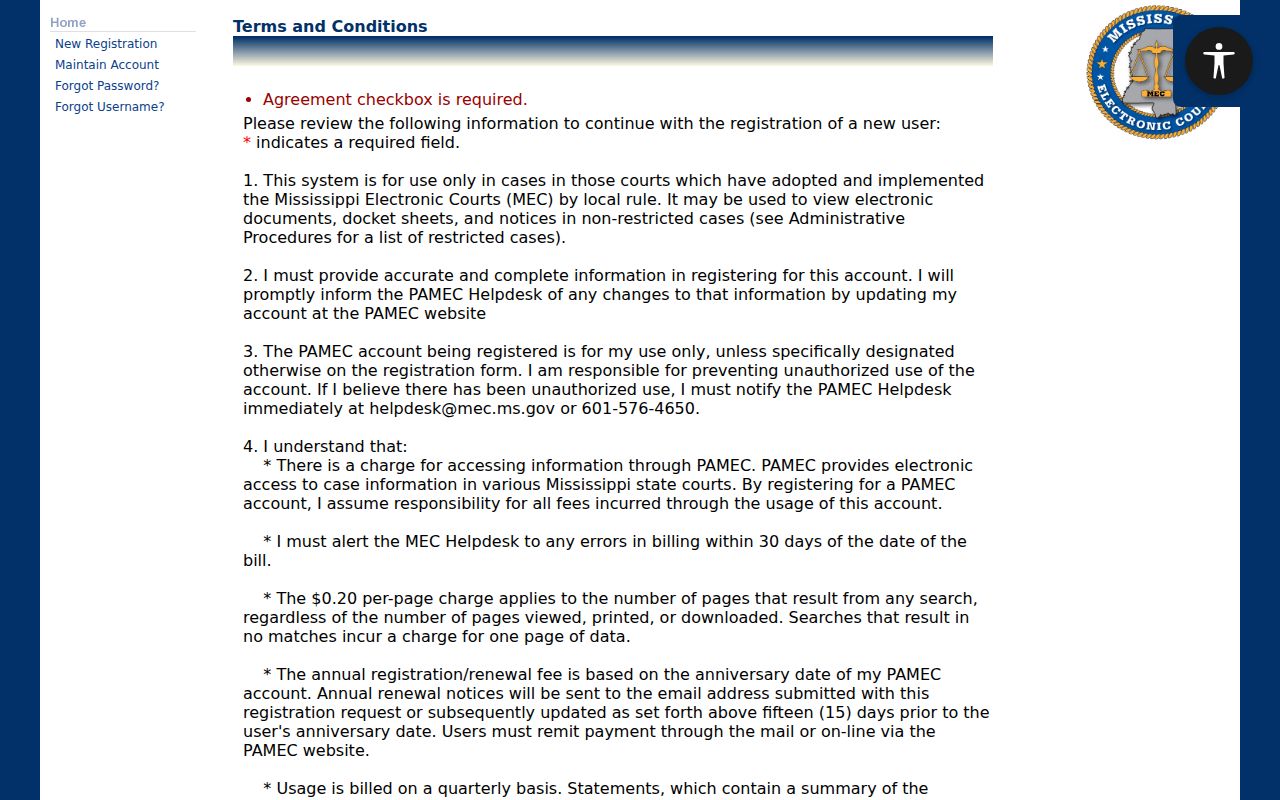
The non-attorney PAMEC account is a paid service. Its current non-attorney terms state an annual charge plus a charge for each results page. The costs attach to remote access, not to the local custody of a Sharkey County court file. Fees can change, so read the terms before searching.
| Posted item | Current terms | Practical effect |
|---|---|---|
| Non-Attorney account | $10 per year | Annual registration is required for the public subscriber route. |
| Search result pages | $0.20 per page returned | Charges can apply whether or not every returned page is viewed, printed, or downloaded. |
| No-match search | One result page charged | A narrow search still can create the stated charge when it finds no match. |
| Billing | Quarterly | The terms identify January, April, July, and October billing. |
The terms source assigned to this case lookup record describes these subscriber charges.
Narrow any name search by court and year. That keeps results usable whenever the account offers those choices. Account access and billing questions go to PAMEC support at 601-576-4650 or pamec@mec.ms.gov. The support desk cannot locate or certify a Sharkey County court file. So take those requests to the clerk.
How to Search by Case Number
A case number is often the best identifier. It usually shows up on a citation, summons, notice, docket paper, or court order. No format should be guessed here. The active PAMEC case-number format cannot be assumed, so confirm the applicable route with the logged-in system or the clerk. Copy the number exactly as printed. Keep the punctuation, year prefixes, and leading zeroes.
Treat the case number exactly as printed as a reference point, not as a claim about how Sharkey County numbers its cases. A Justice Court or Municipal Court number may not survive an appeal. The same goes for a matter bound over to Circuit Court. A number that returns nothing is not a dead end. Identify the issuing court first, then try variations.
Sharkey County Case Number Limits
An empty remote result is not a final answer. The case may sit in Justice Court, Municipal Court, Circuit Court, Chancery Court, or federal court. It may also be an older paper file. It may be a legacy electronic record, a restricted matter, or a record not yet scanned. It may even sit outside the user's permission level. A lower-court number may not carry over. An appeal or a bindover to Circuit Court can bring a new one.
Check the number against the original paper first. Then ask the clerk a question. Can the office search an older docket or confirm the correct court? Never add or remove digits to force a result. The safest request hands the clerk the number as printed. Include the named parties, the approximate year, the court, and the document or hearing being sought.
Sharkey County Case Clerk Split
In Sharkey County, record custody follows the court, not a generic county-clerk label. Diana Sutton is listed as both Circuit Clerk and Chancery Clerk. The two courts stay separate. For a Circuit or Chancery case, call her office at 662-873-2755. Identify the court in the request. Justice Court Clerk Princess Turner handles those cases at 662-873-6140. Identify Post 1 or Post 2 if known.
City matters start with the city clerk or the municipal court contact. Federal matters go through PACER or the Southern District of Mississippi's clerk path. A local clerk can sort out custody and older paper records. The clerk can also handle restricted-document questions, certification instructions, and current counter procedure. PAMEC support cannot replace those county routes. One person is listed for both clerk offices. So state the court name first when calling either number.
What a Case Search Shows
PAMEC access, for an eligible and nonrestricted electronic case, covers docket sheets, notices, and electronic documents described in its terms. Read what comes back as a case record. It is not a certified copy. It is not a full history either. Before you open any document, check the court, the county, the case type, the filing date, the party caption, and the status. One more caution matters. A docket entry only marks a procedural event in the case, so it never proves an allegation true.
| Case header | Use it to confirm the court, county, caption, case type, and status where the account permits viewing. |
|---|---|
| Docket sheet | A chronological list of filings, orders, hearings, and other procedural entries. |
| Notice or document image | Available only when the electronic record is eligible and the account has permission. |
| Status label | An index aid that needs docket context; “closed” is not a synonym for a particular outcome. |
| Certified copy | A separate clerk service. A PAMEC image is not automatically certified. |
Sometimes a search finds the case, and what you actually need is a certified copy. That means calling or visiting the clerk who keeps the file, whether Circuit, Chancery, or Justice, and asking for current instructions. A Sharkey County court record search helps you tell the two paths apart: the docket lookup and the document request.
Sharkey County Case Result Limits
The Ninth Circuit MEC landing page is the official starting point. It serves the district that includes Sharkey Circuit Court. It orients a visitor to the district's electronic court system. It does not, however, open an anonymous case lookup for the public. The login screen demands credentials first. It also states plainly that access is restricted and that activity gets logged. Past that gate sits the private side of the system. There a Sharkey County case docket, its filings, and its court records live for subscribers only. That side stays closed to casual browsing. So nobody can honestly describe its filters, pagination, or export tools without an account. Treat anything beyond the login as unknown rather than assumed.
The district's MEC landing page shows the public entry to the system. It is not a private case record.
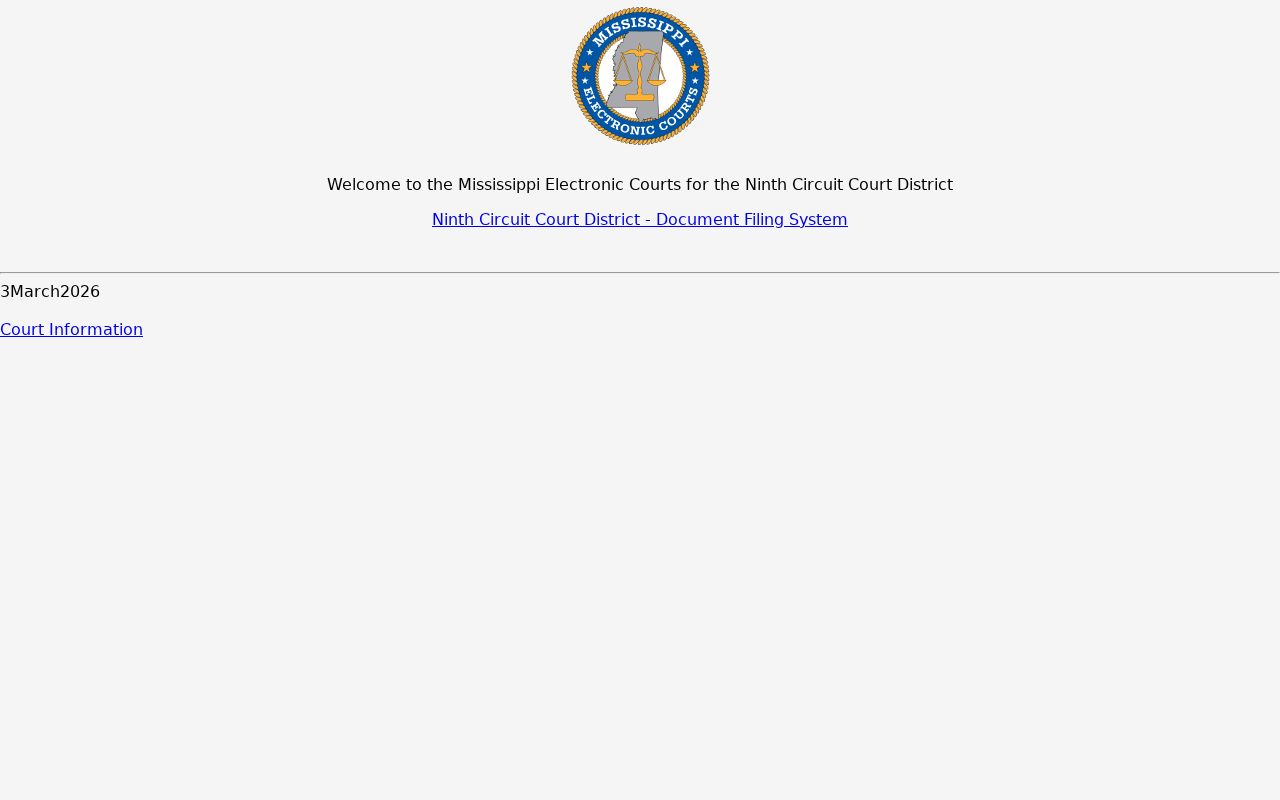
The boundary deserves emphasis. A public court-system page can identify the service itself. It cannot prove that every Sharkey County case, case field, or document image is open to the public through that service.
Sharkey County Case Technology Dates
Electronic access in this district has a dated history. Ninth Circuit CourtInfo reports a September 27, 2021 MEC go-live date for Sharkey Circuit Court. For the chancery side, Ninth Chancery information reports a February 13, 2017 Chancery deployment. Treat those dates as system milestones only. They do not prove that every historic paper file was imaged and posted for remote viewing. That covers indictments, judgments, estates, land records, and other filings.
Older Sharkey County files may still need clerk help. The court now uses MEC, but paper can linger. A legacy flag, a missing image, or a no-result search can reflect conversion history rather than access restrictions. When you ask for a paper or older file, give the case number. Also give the date range, document title, and court. The 2023 records-preservation context also makes a phone-first check wise before you travel.
County vs Statewide Case Search
No free Sharkey County portal sits beside a separate anonymous statewide database, because none exists. MEC is Mississippi's electronic court infrastructure. PAMEC is the public subscriber service that opens eligible, nonrestricted records from it. The local route still matters. It is the office that holds the particular case. Treat remote and clerk paths as complements, since neither one alone holds every court record.
| PAMEC remote route | Sharkey County clerk route |
|---|---|
| Registered, paid subscriber access to eligible electronic records. | Local custody route for Circuit, Chancery, or Justice Court files. |
| Not anonymous; authentication and account terms apply. | Counter viewing may be free under procedure and equipment limits. |
| May show eligible docket sheets, notices, and documents. | Can help identify older paper files, certified-copy steps, or restricted-record procedures. |
| Use PAMEC support for login, access, and billing questions. | Use the appropriate clerk for file custody and Sharkey County record questions. |
The MEC administrative procedures state that the public may view electronic court documents without charge at a clerk's office during regular business hours, subject to local procedure and available equipment. Free viewing is a real benefit. It is not a promise of free copies. Nor does it guarantee immediate certification or access to restricted documents.
Sharkey County Case Search Terms
Short system labels help, but they never decide what a case means. The local court and docket context control the answer. Keep the terms that follow tied to the request or result they describe. That matters most with a bare status label. It may show up without the order or filing behind it.
- PAMEC
- Public Access to Mississippi Electronic Courts, the public subscriber access layer.
- MEC
- Mississippi Electronic Courts, the electronic filing and docket infrastructure.
- Docket sheet
- The chronological list of pleadings, orders, hearings, and other procedural entries in a case.
- Legacy case
- A case migrated from an older record system; it may require context from the clerk or paper file.
- Restricted document
- An electronic document the viewer lacks permission to see, often because of confidentiality or party-role rules.
A label like restricted, closed, inactive, legacy, or expunged should be read alongside the case record and current clerk information. On its own, it is not a complete legal conclusion.
Restricted Cases and Access Rules
Public access to a Sharkey County court docket has limits. Law, court rule, order, and system permissions set them. Youth, sealed, expunged, confidential, and some family case records may be closed to remote view. So can files with a protected address. What you see varies. A case header may come with no image, or a docket entry may carry a permission message. You might see a caption with details blacked out, a clerk-only reference, or nothing at all. A blank screen is not proof that no filing exists.
The PAMEC privacy policy makes clear that the judiciary keeps its own records-access framework. That framework stands separate from other rules. Youth records call for extra caution. Access turns on current law, court authorization, and clerk procedure. Ask the clerk about a redacted docket entry, a certified index, or a court-order process. That beats pushing for protected details.
Sharkey County Case Search Stop Point
Hit a wall with an online docket search? Stop searching remotely once the court itself seems unsure. Stop too if a case number you trust comes back empty, an image is blocked, or your PAMEC bill raises a question. Figure out first whether the case sits in Circuit, Chancery, Justice, Municipal, or federal court. Then pick up the phone and call the office that actually holds the file. For a Circuit or Chancery case in Sharkey County, that means Diana Sutton's office. The number is 662-873-2755. Justice Court files belong to Princess Turner. Reach her at 662-873-6140.
Account trouble is different. PAMEC activation, login, and billing questions go to 601-576-4650 or pamec@mec.ms.gov. Remember, those support lines keep no Sharkey County court records. While you work, keep a short log. Note which court you searched, the date, the exact terms you typed, how many results appeared, and any case number that surfaced. A clerk can turn that into a narrow public records request without extra personal details.